
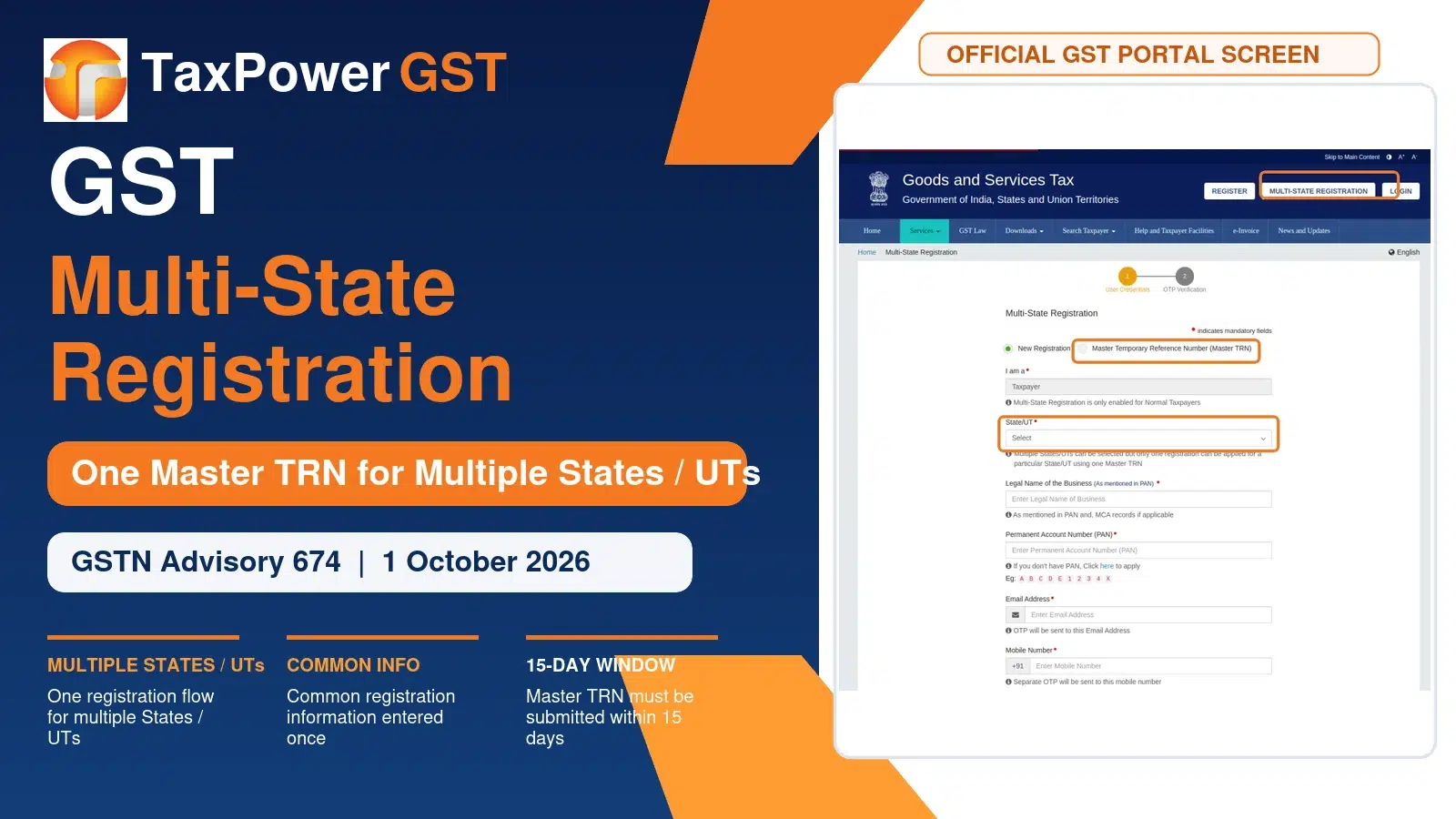
GST PORTAL UPDATE | GSTN ADVISORY 674 | MULTI-STATE REGISTRATION
Advisory date: 1 October 2026 | Facility: Multi-State Registration using a Master TRN
GST Multi-State Registration: New Master TRN Facility on GST Portal
GSTN has introduced a new Multi-State Registration facility on the GST Portal for taxpayers who need GST registration in more than one State or Union Territory under the same PAN.
The new flow uses a Master Temporary Reference Number (Master TRN) so that common registration information can be entered once and then carried into separate State/UT registration applications. At present, the facility is available only for Normal Taxpayers.
Quick Answer
What has changed? A taxpayer requiring GST registration in multiple States/UTs can now begin the process through one Multi-State Registration facility. A Master TRN is generated, common information is submitted once, and separate State/UT TRNs are then created for completing the remaining State-specific details.
In This Update
Who Can Use the Multi-State Registration Facility?
GSTN states that the facility can be used by taxpayers seeking registration in more than one State/UT under the same PAN. Currently, the facility is available only for Normal Taxpayers.
The new Multi-State Registration tab is available from the GST Portal home page.
OFFICIAL GST PORTAL SCREEN
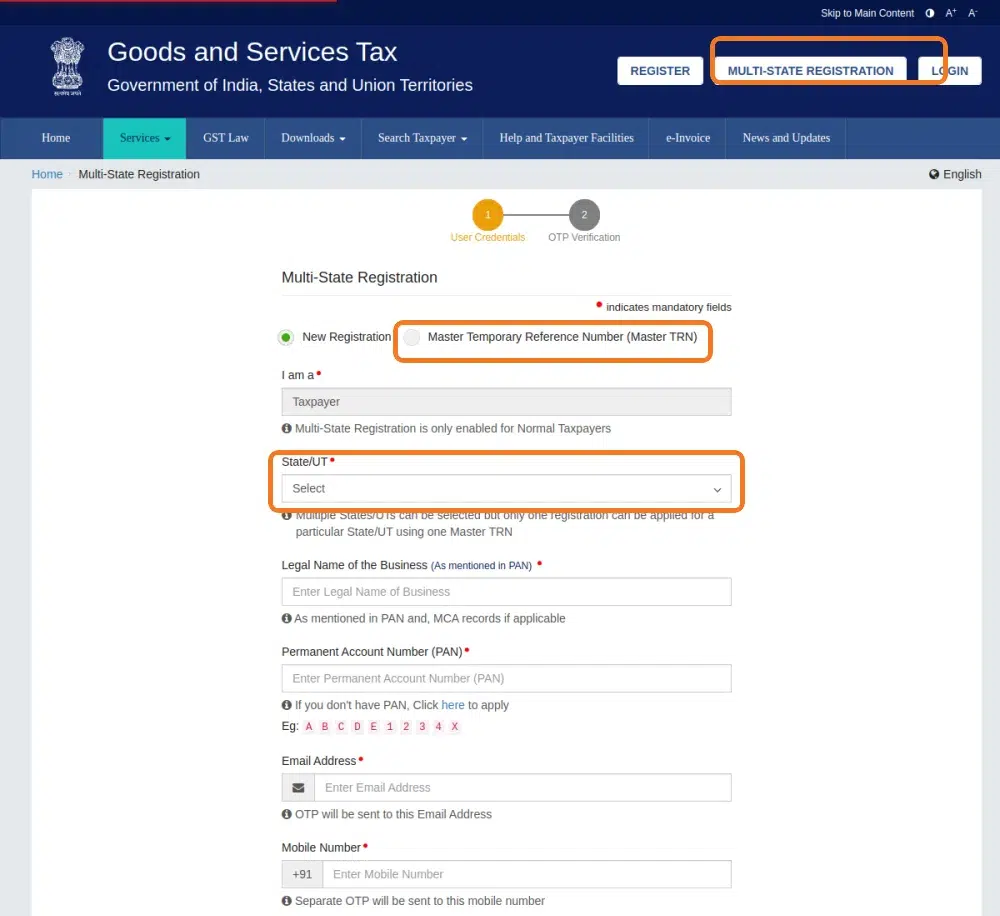
GST Portal Multi-State Registration screen showing the Master TRN option and State/UT selection.
STEP 1
Select States / UTs
Choose the multiple States/UTs for which GST registration is required.
STEP 2
Master TRN Generated
A single Master Temporary Reference Number is generated for the selected States/UTs.
STEP 3
Common Information Once
Submit common registration information once. Separate State/UT TRNs are then generated.
What Is Common Registration Information (CRI)?
Using the Master TRN, the applicant can enter common information including:
- Business Details
- Promoter / Partner details
- Authorised Signatory
- Authorised Representative
- Goods and Services
Important: GSTN says the Master TRN must be submitted within 15 days.
What Still Has to Be Completed for Each State / UT?
After the CRI is submitted, individual TRNs are generated for each selected State/UT. The common information is auto-populated and remains editable. The applicant must then complete the remaining State-specific information, including:
- Principal Place of Business (PPoB)
- Additional Place of Business (APoB)
- State-specific information
- Aadhaar authentication
Why This GST Portal Update Matters
The key benefit is reduced repetitive data entry. Common details do not have to be entered separately for every State/UT registration application. The change simplifies the application workflow while still retaining the individual State/UT registration process.
How to Access Multi-State Registration
The facility is available through the Multi-State Registration option on the GST Portal home page.
TaxPower GST Note
This is a GST Portal registration functionality update. TaxPower GST does not provide a GST registration application window inside the software. This article is published for professional awareness and to help taxpayers and GST professionals understand the new portal process.
Related GST Registration Guides
- GST Registration Updates 2026: 3 New REG-01 Enhancements
- GST Registration Process 2025: Step-by-Step Guide, Documents & Status Check
- Advisory for GST Registration Process – Rule 8 of CGST Rules, 2017
These guides cover the wider GST registration workflow, recent REG-01 changes and registration-process advisories that complement this Multi-State Registration update.
Frequently Asked Questions
OFFICIAL GSTN ADVISORY SCREEN
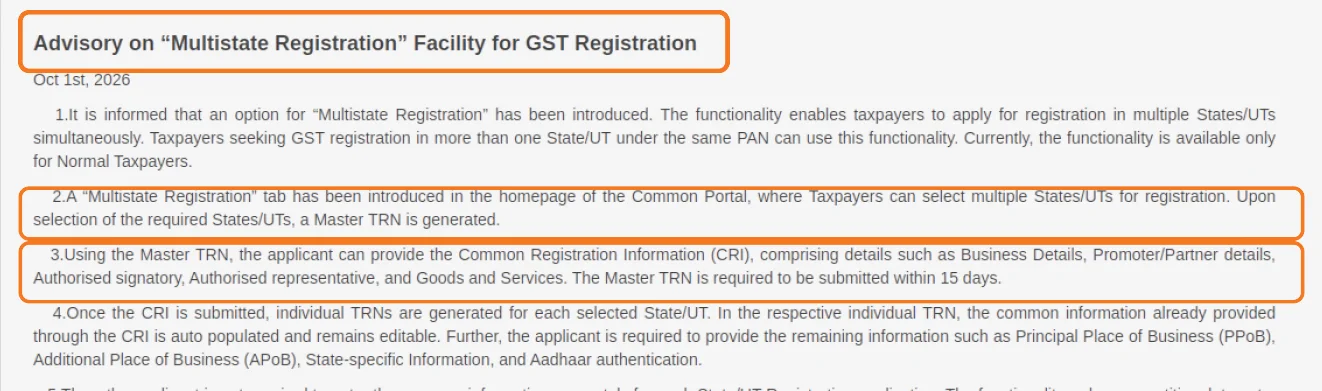
GSTN Advisory 674 dated 1 October 2026 introducing the Multi-State Registration facility.
Official Reference
- GSTN Advisory 674 – Advisory on “Multistate Registration” Facility for GST Registration
- GST Portal – Multi-State Registration
Disclaimer: This article is for general information and professional awareness. Registration requirements and portal functionality should be verified against the latest GSTN instructions before filing.
