TAXPOWER GST | LEARNING & SUPPORT
TaxPower GST Training.
Organised around your work.
Find the right software tutorial in seconds. Practical walkthroughs for return filing, reconciliation, IMS, annual returns and day-to-day product use.
Built for everyday GST compliance workflows
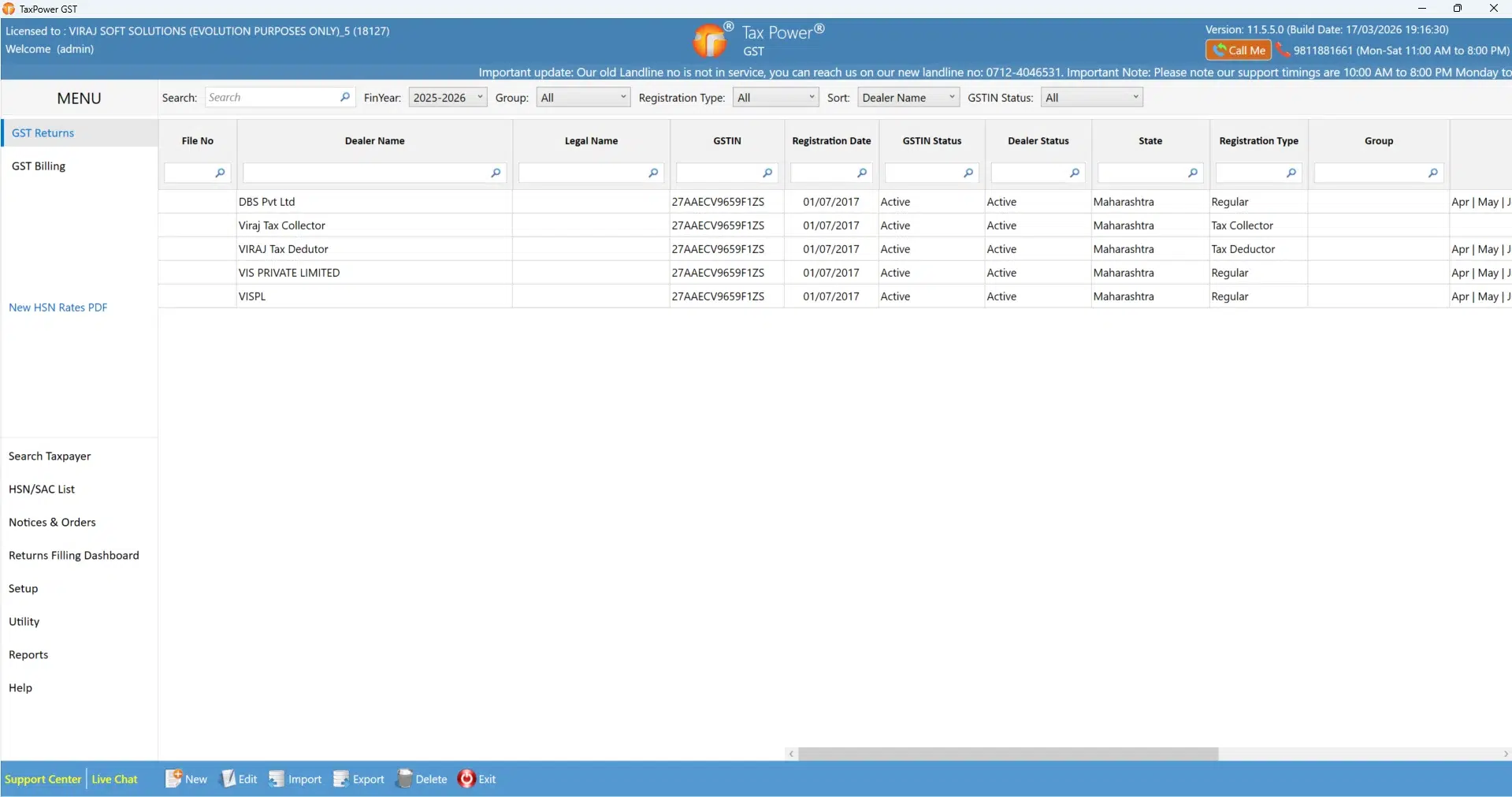
Practical software demonstrations. Real product workflows.
FIND THE RIGHT VIDEO
What would you like to learn?
Browse the topic you need instead of scanning one long list.
GETTING STARTED
Start with the essentials
Overview and dealer creation for new and existing TaxPower GST users.

Software Overview
Navigate TaxPower GST's main interface, return modules and annual return tools.
Watch tutorial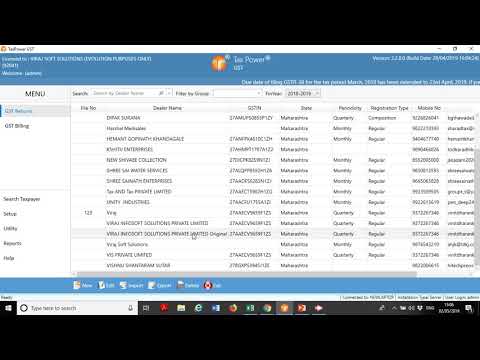
Create & Manage GST Dealers
A practical walkthrough for creating a dealer record in TaxPower GST.
Watch tutorialRETURN FILING
GSTR-1 & GSTR-3B tutorials
Select the walkthrough that best fits your current filing task.

GSTR-1: Import to Submission
Import data, review details and follow the GSTR-1 return workflow.
Watch tutorial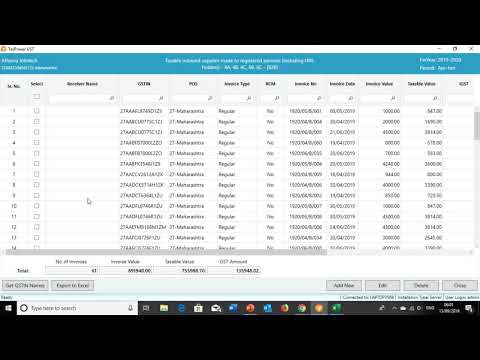
GSTR-1: Detailed Walkthrough
An additional demonstration of the established filing workflow.
Watch tutorial
GSTR-3B: Filing Walkthrough
Understand the TaxPower GST GSTR-3B workflow.
Watch tutorial
GSTR-3B: Step-by-Step
A second walkthrough with a different approach to GSTR-3B.
Watch tutorialRECONCILIATION & IMS
Reconciliation that makes sense
Practical videos for GSTR-2B, IMS and annual data comparison.

GSTR-2B Reconciliation
Review comparison and reconciliation using TaxPower GST.
Watch tutorial
Invoice Management System (IMS)
Understand the IMS workflow shown in TaxPower GST.
Watch tutorial
Annual GST Reconciliation
A detailed walkthrough of annual reconciliation processes.
Watch tutorialANNUAL RETURNS
GSTR-9 & GSTR-9C training
Established video workflows remain available while new recordings are prepared.

GSTR-9 & GSTR-9C: Five Steps
Follow a combined annual return preparation workflow.
Watch tutorial
GSTR-9 Preparation & Filing
Step-by-step demonstration of GSTR-9 preparation.
Watch tutorial
GSTR-9C Preparation
Explore the established GSTR-9C preparation workflow.
Watch tutorialRENEWAL & LICENSING
Software licence renewal
A focused video guide for licence renewal.

GST Software Renewal FY 2026–27
See how the licence renewal process is demonstrated.
Watch tutorialREFERENCE LIBRARY
User manuals & installation guides
Download the help document for the task you are working on.
Technical environment or software-version differences may require support-team guidance. Please verify before changing network or browser configuration.
QUICK SELF-SERVICE HELP
Common Help Questions
Practical answers for product support, guided training, data backup and common setup questions.
Our team can guide you through the next step.
Contact TaxPower GST support →How can I get technical support for TaxPower GST?
The TaxPower GST Main Screen displays a support contact number. For the contact numbers of Magnum Infosystem and Dharankar Business Solutions, open Help → Online Support. Use the appropriate contact number for assistance, or contact our team through the website.
How can I request additional software training?
Start with the videos on this page. For guided training, contact our team to request an appointment. Free guided training sessions require a prior appointment and a minimum of two participants. Group sessions may also be arranged. Please confirm the schedule with our team.
How should I back up my TaxPower GST data?
On the server PC, use Backup & Exit every day and confirm the backup finishes successfully. Set up Setup → Options → Additional Backup Path to keep a secondary copy on another PC or device. Do not rely on a single backup location.
Can I use TaxPower GST on more than one PC?
For a multi-user setup, client PCs must connect over LAN to the main TaxPower GST server PC. Licence eligibility and network configuration can vary; confirm your setup with the support team before adding another PC or changing remote access settings.
What should I check before updating TaxPower GST?
Complete and verify a current data backup first. For a multi-PC installation, update the server PC first. Follow the current software-version instructions for the remaining steps, or contact support if you are unsure.
HELP WHEN YOU NEED IT
Need support beyond these videos?
Already using TaxPower GST? Get help with your installation or workflow. Evaluating the software? Talk to our team or explore the trial.