GST Waiver Scheme July 2025: SPL-05 Acceptance and SPL-07 Rejection – Complete Stepwise Guide
Are you tracking your GST Waiver (Amnesty) Scheme application? The latest GSTN advisory introduces SPL 05 acceptance and SPL 07 rejection orders—now fully automated by the portal. Don’t let your application get delayed or rejected! This practical guide summarizes the new workflow, key advisories, and actionable tips for a smooth waiver claim.
For a complete background, see our Waiver Scheme overview.
🕘 GST Waiver Scheme Timeline: All Key Updates at a Glance
- April 2024: Amnesty application via SPL-01 & SPL-02 forms launched (filing issues guide).
- May 2024: Payment mismatch resolution (SPL-03/04) process published (step-by-step help).
- June 2024: Troubleshooting for rejected/incomplete applications (full issue resolution).
- July 2025: New GSTN advisory: SPL 05 Acceptance & SPL 07 Rejection system goes live (appeal withdrawal guide).
🔍 Understanding SPL-05 Acceptance and SPL-07 Rejection
🚦 Stepwise GST Waiver Application Process (2025)
The process is now clearer than ever—follow these steps to ensure success and avoid delays:
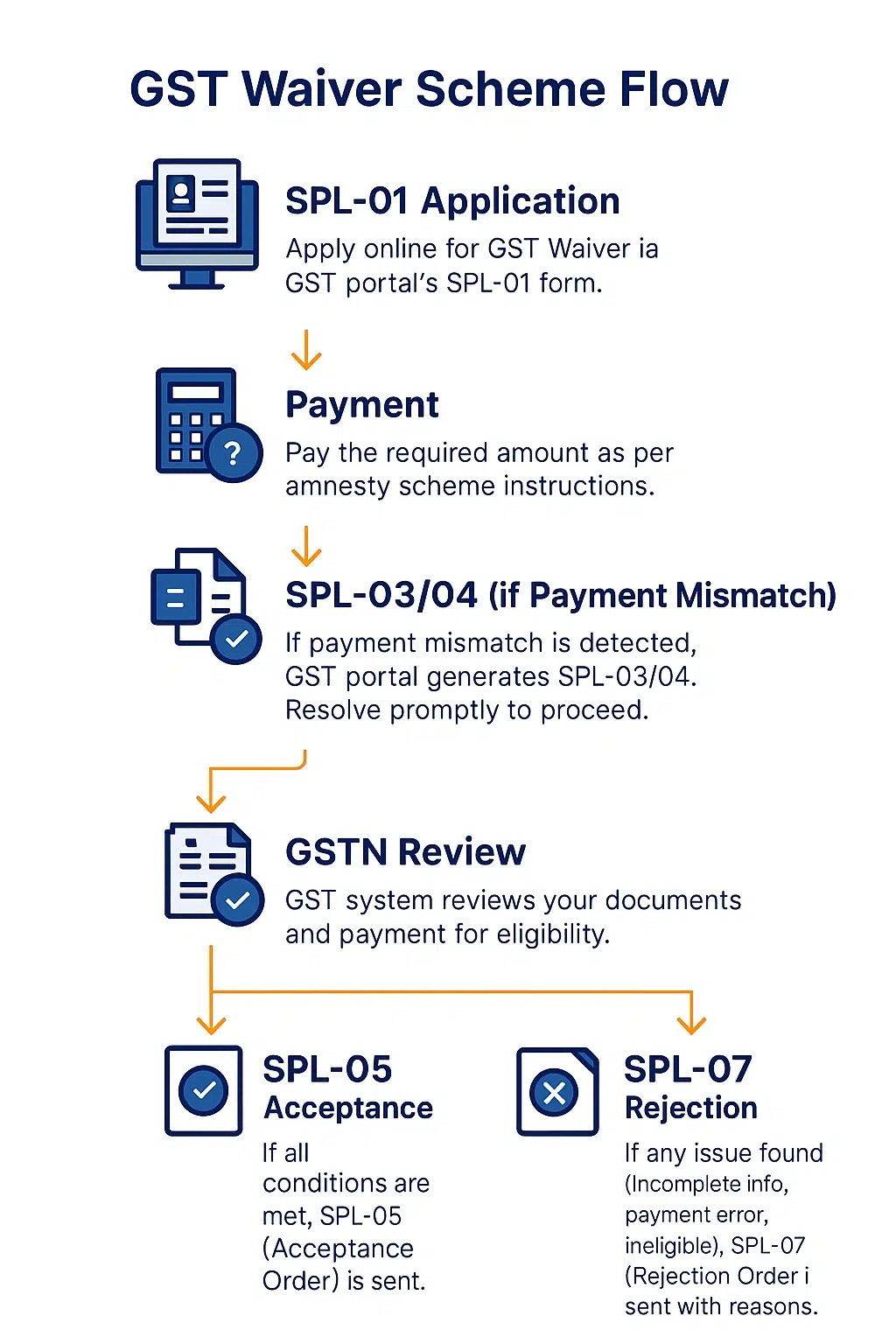
- SPL-01 Application: File your amnesty request online via GST portal.
- Payment: Pay the exact scheme amount promptly.
- SPL-03/04 (if Payment Mismatch): If you see a payment mismatch, the portal will auto-generate SPL-03/04. Fix this fast using our troubleshooting guide and resubmit proof.
- GSTN Review: The system checks all documents and payment for eligibility.
- Result after Review:
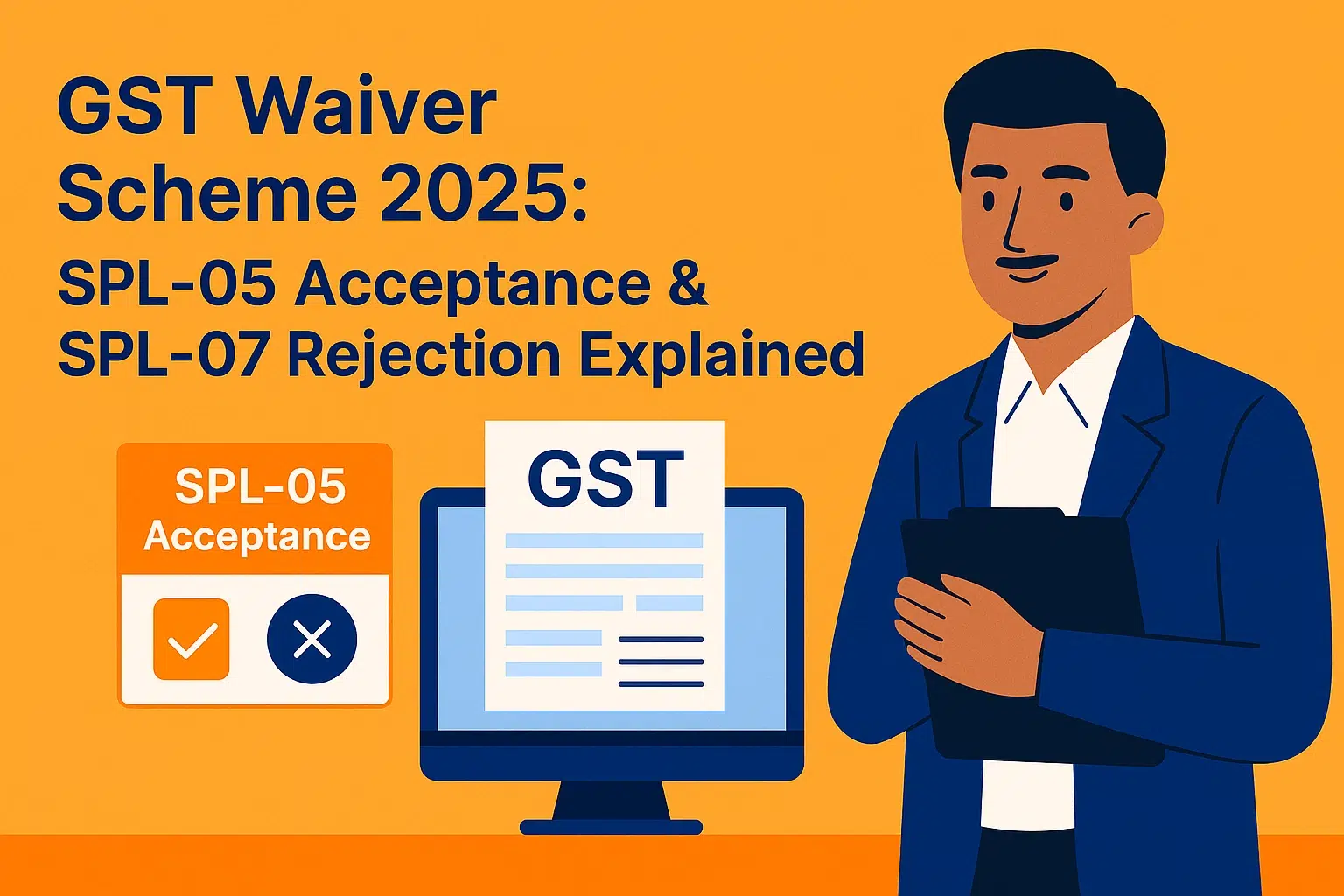
- SPL 05 Acceptance: Application accepted. Order sent via SMS/email and shown in your portal dashboard.
- SPL 07 Rejection: If any issue remains (incomplete info, payment issue, or ineligibility), you’ll get a rejection order with reason. Fix it and reapply if eligible.
🔔 How to Respond to SPL-05 Acceptance or SPL-07 Rejection
SPL-05 Acceptance
- Relief granted—your waiver is approved.
- Download and save the SPL-05 order for records.
- Check “Services > User Services > View Notices and Orders” for all documents.
SPL-07 Rejection
- Carefully review the reason for rejection.
- Fix errors (payment, info, or eligibility) before you reapply.
- Think it’s a portal mistake? Raise a grievance on the GST portal or contact GST helpdesk fast.
💡 Pro Tips for Smooth GST Waiver Claim
- Always double-check your payment and reference numbers after filing (resolve mismatches fast).
- Save every SPL order and payment proof for your records.
- Act quickly on any SPL 07 rejection—you might lose your eligibility window if you delay.
- Want more stepwise tips? See our Waiver Scheme master guide.
Want a Simpler Way to Manage GST?
Book a demo with our experts or try TaxPower GST free for 30 days and see how we can make GST return filing, reporting, and compliance stress-free for you.
✅ Conclusion: Stay Alert, Claim Waiver Without Hassle
The GST Waiver Scheme is a one-time opportunity—don’t risk missing out due to small errors or late action. Always monitor your application, save every system notice, and use our linked guides for support. For every update and troubleshooting tip, revisit our waiver scheme blog series and stay informed!
Disclaimer: This blog is intended for informational purposes only and should not be considered legal or financial advice. Readers are encouraged to independently verify all applicable GST laws, regulations, CBIC advisories, GSTN guidelines, and E-Way Bill rules before making decisions. The author and publisher are not responsible for any actions taken based on the information provided here.